
Semi-trailer demo


Demo insights
Explore how this demo was set up and the DriveWorks technology it uses.

Interactive 3D configuration
The trailer demo uses interactive 3D configuration to help users understand product options and design details, speeding up decision-making.
- Appearances, lighting, animations, and effects bring realism to DriveWorks 3D previews.
- Depth of field focus is used to focus users on specific areas that are being configured.
- Click Macros enable users to perform predefined actions and configure options when buttons and components in the 3D preview are selected.
- Replace Model entities swap in components as users configure, and existing geometry is scaled accurately showing the configuration in real-time.
- DriveWorks 3D technology is optimized for performance and compatibility, and can be used on any device, without needing to download additional apps.
- Specification macros perform pre-defined actions when buttons are clicked.
Design automation for SOLIDWORKS®
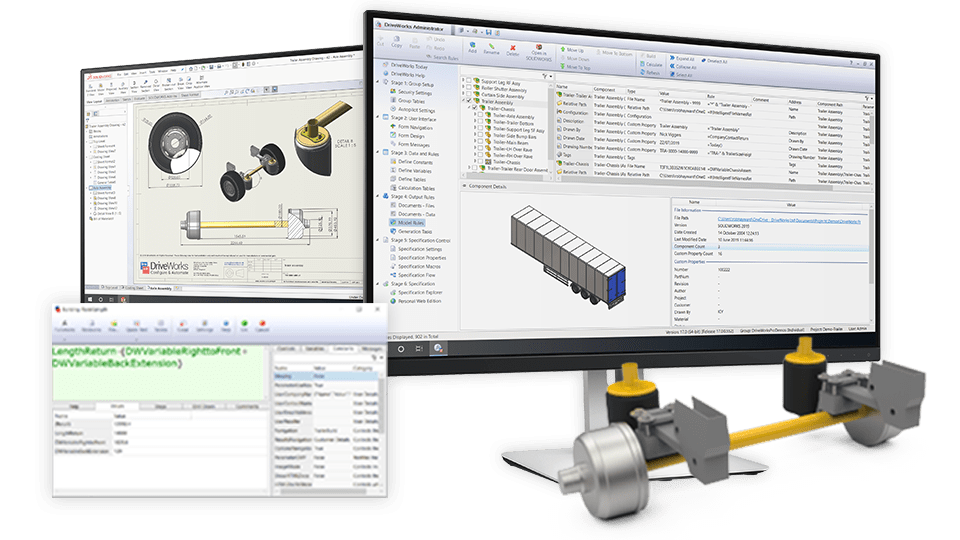
Behind the scenes, DriveWorks Autopilot automatically processes tasks, generating order-specific SOLIDWORKS parts, assemblies, and drawings.
- Post-drive generation tasks ensure drawings meet engineering standards by hiding dangling dimensions, rescaling and positioning views, and zooming to fit.
- Part, sub-assembly, and instance replacements swap in static and driven replacements.
- Custom properties are updated in parts, assemblies, and drawings.
- Intelligent file naming enables a library of configured components to be built up, speeding up future generation.

Pricing, sales documents and emails
Pricing is calculated in real-time as options are selected, and sales documents are automatically updated and available immediately.
- DriveWorks rules technology captures sales knowledge to accurately and consistently calculate pricing and discounts as the trailer is configured.
- Word, Excel, and XML documents update in the background as products are configured and are available immediately.
- HTML emails match company branding and are automatically updated with order-specific information and attachments, then sent out.
Next steps
Learn how DriveWorks can help you achieve your goals.
Industry spotlight
Transportation
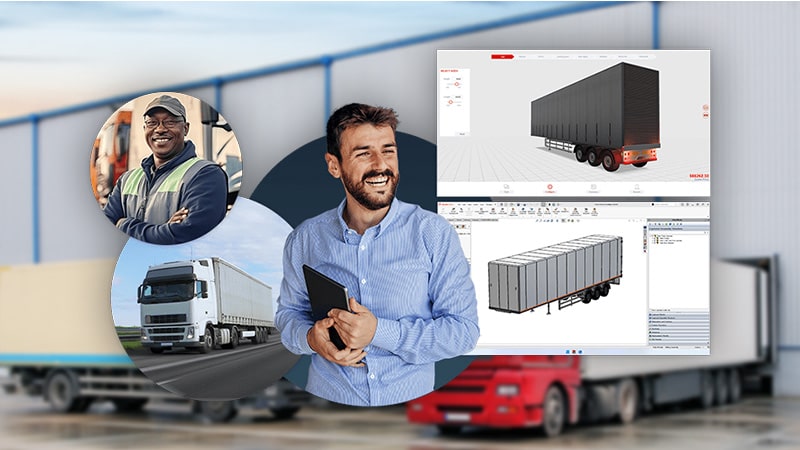
Learn how DriveWorks software is helping manufacturers serving the transportation industry be more efficient by improving manufacturing and sales processes.
Customer story
Knapheide
Since 1848, Knapheide has provided customers with high-quality, work-ready transportation solutions. Today, Knapheide is North America’s most popular manufacturer of work truck bodies and truck beds. Knapheide chose DriveWorks to automate mundane, time-consuming design work so engineers can focus their time on the design cycle.
Article
What is design automation?
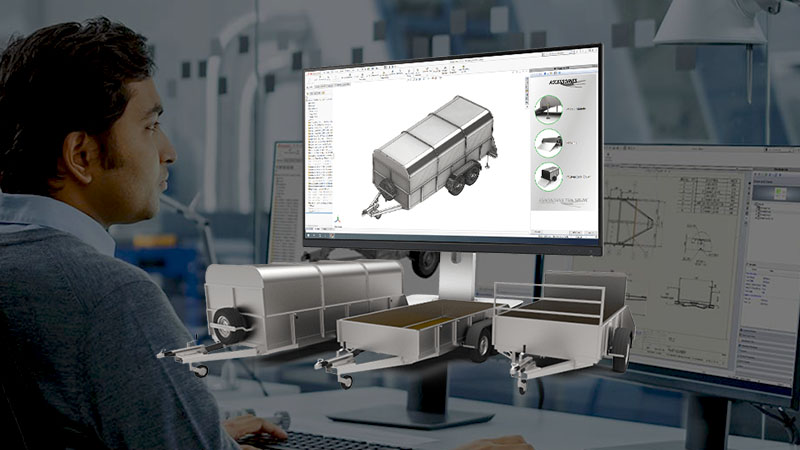
Learn how design automation tools enable you to capture and reuse design, manufacturing, and cost estimation knowledge to deliver custom products faster and with greater accuracy.
Request a demo with a technical specialist
Request a demo and a member of the DriveWorks team will be in touch.