
Picture frame demo


Demo insights
Learn more about how this demo was set up and the DriveWorks technology it uses.
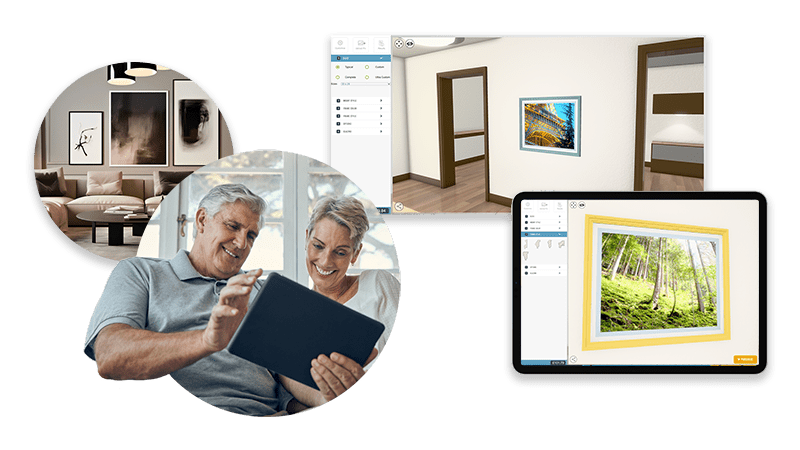
Immersive experience on any device, anywhere
The picture frame demo uses responsive forms that rearrange to display correctly on any device.
- Buttons with images help users choose frame profiles easily.
- Expandable sections are used to only show relevant information to simplify configuration.
- Controls pull information from tables simplifying set up and maintenance.
- DriveWorks 3D technology helps users visualize the configured picture frame, reducing configuration errors and increasing sales conversions.
- Users can upload images to the frame to help with configuration choices.
- Product options and frame colors are stored in tables and displayed in controls using table lookup functions.
Documents and data for sales and manufacturing
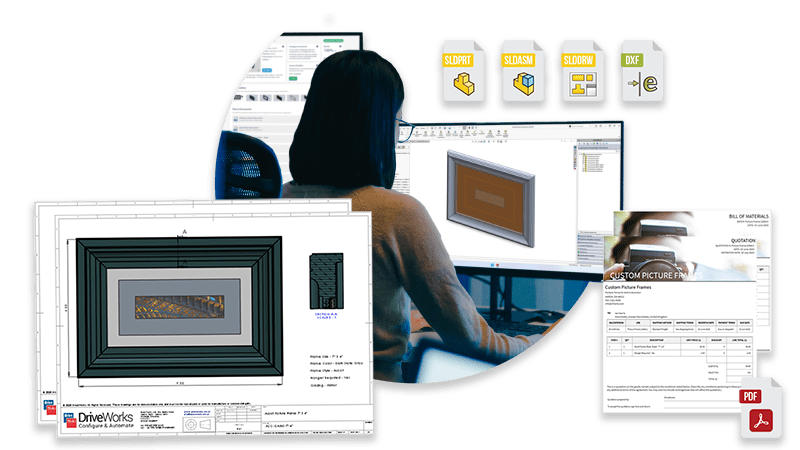
HTML emails, quote documents, and SOLIDWORKS® models are automatically created.
- SOLIDWORKS drawings are updated and exported as eDrawings and PDFs for easy distribution.
- Information in HTML emails is updated, and drawings are attached when they have been created.
- Generation tasks rescale section views and rebuild drawings, ensuring they’re ready without any manual input.
Next steps
Learn how DriveWorks can help you achieve your goals.
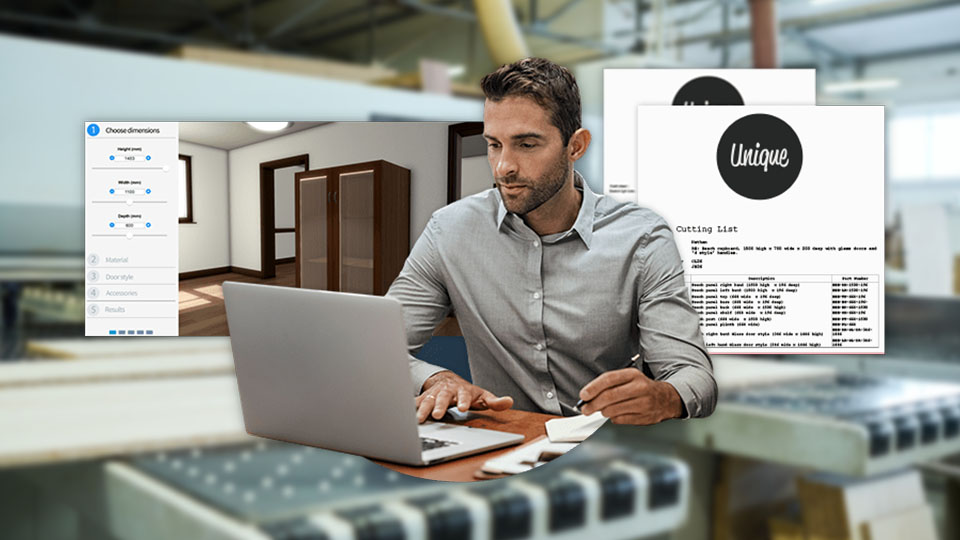
Industry spotlight
Furniture
Furniture manufacturers are using DriveWorks design automation and sales configurator software to improve manufacturing and sales processes and be more efficient.

Customer story
Blecks
Blecks chose DriveWorks to speed up their workflow and automate repetitive tasks so they could meet growing demand for their products.
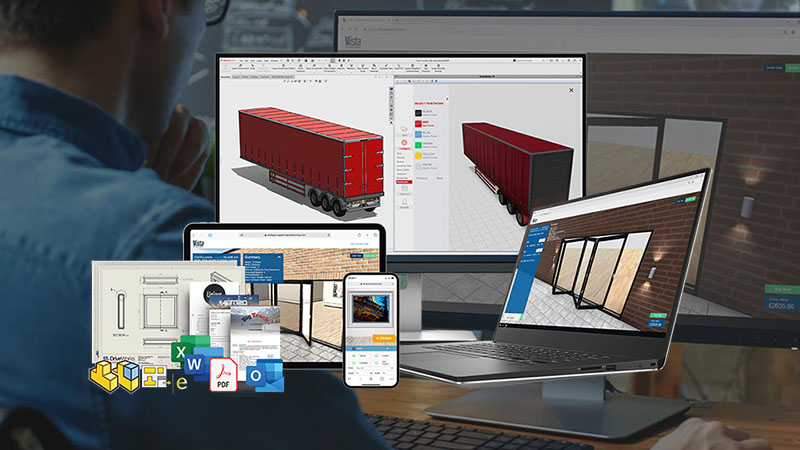
Article
How to build a product configurator: choosing technology
In this article, we look at the key technologies needed to build a product configurator and the different implementation methods available.
Request a demo with a technical specialist
Request a demo and a member of the DriveWorks team will be in touch.