
HVAC system demo


Demo insights
Learn more about how this demo was set up and the DriveWorks technology it uses.
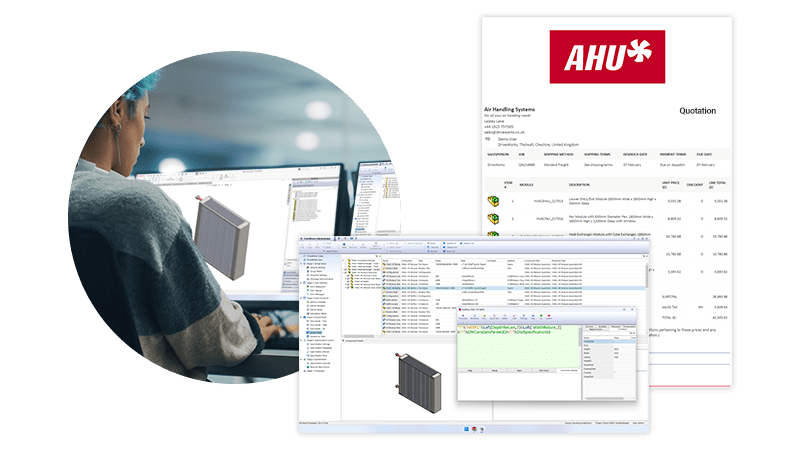
Accurate engineering outputs for complex products
The HVAC unit demonstrates advanced SOLIDWORKS® automation techniques focused on performance optimization of large technical assemblies with high configurability.
- Separate projects for each HVAC module make setup, maintenance, and improvements simple.
- When an order is generated, the separate HVAC modules are updated and then combined using generation tasks. Information about each module is passed into a parent project.
- Advanced SOLIDWORKS automation of complex geometry updates weldment and sheet metal parts before creating flat patterns and exporting .DXF files.
- Drawings and BOMs are automatically created for all parts and assemblies in the background using DriveWorks Autopilot.
- Tags control when DriveWorks Autopilot processes tasks, allowing outputs to be created in a specific order.
Connecting sales and manufacturing
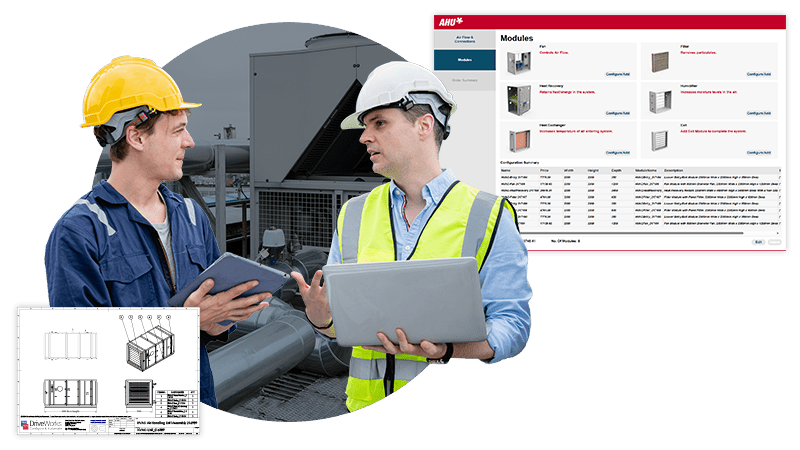
Guided selling connects sales and manufacturing, ensuring configured products meet technical, regulatory and engineering requirements.
- Initial selections set global product constraints that all modules must meet.
- The availability of options is updated based on previous selections.
- Guided selling ensures users start by configuring an entrance module and finish with an exit module. Adding a heat recovery module adds the other required modules automatically.
- Images on forms help users understand configuration choices and technical elements of the HVAC unit.
- XML quote and BOM updates as the product is configured and is available before order confirmation.
Next steps
Learn how DriveWorks can help you achieve your goals.
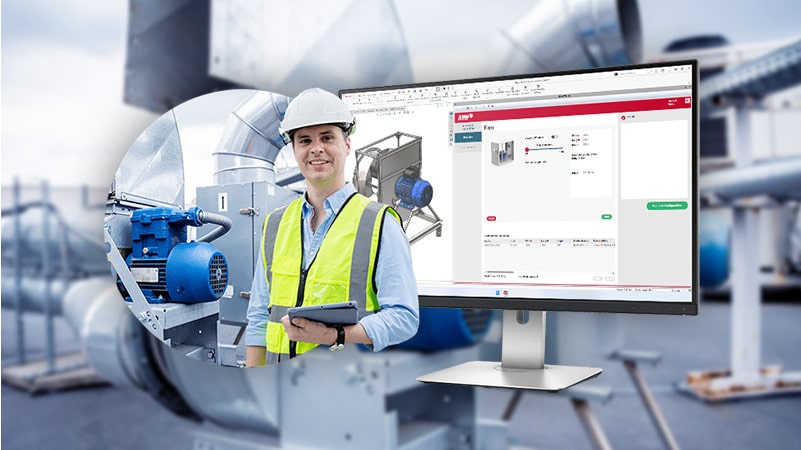
Industry spotlight
HVAC
HVAC manufacturers are using DriveWorks design automation & sales configurator software to improve manufacturing and sales processes and be more efficient.
Customer story
HW Ventilation
HW Ventilation design, produce and sell axial impellers and ventilators for industrial use.
Implementing DriveWorks has enabled HW Ventilation to achieve a ten times faster design time.
Article
What is design automation?
Learn how design automation tools enable you to capture and reuse design, manufacturing, and cost estimation knowledge to deliver custom products faster and with greater accuracy.
Request a demo with a technical specialist
Request a demo and a member of the DriveWorks team will be in touch.