
Canopy demo


Demo insights
Learn more about how this demo was set up and the DriveWorks technology it uses.
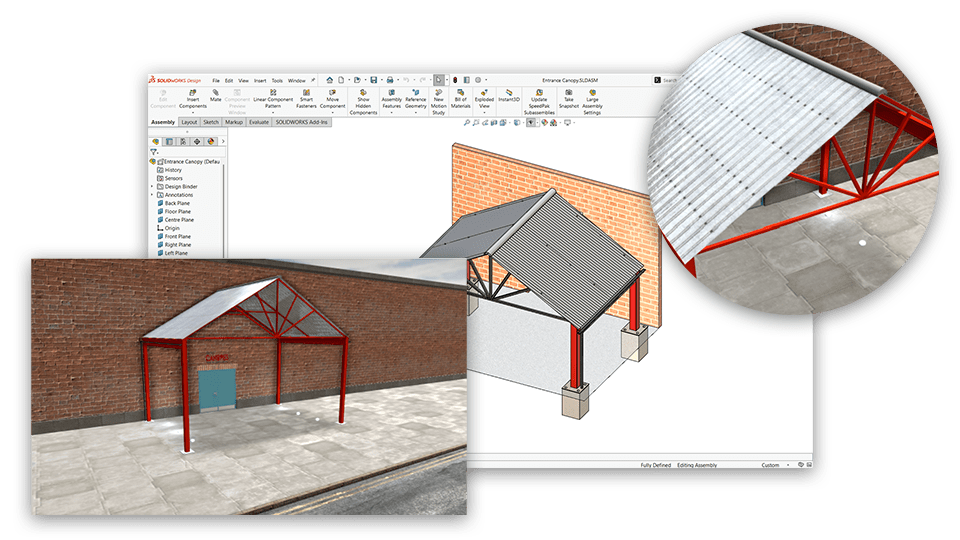
Visualize and configure the canopy in 3D
DriveWorks 3D preview technology is used to configure and visualize the configured canopy in real-time.
- Performance is optimized by scaling 3D geometry in real-time as you configure, without needing to download additional 3D assets.
- Appearances, textures, lighting, and scene geometry add context to the product, helping users visualize exactly what they have configured and accelerating their decision-making.
- Cameras with rotation limits are used to control the angles the product can be viewed from, ensuring users focus on the configurable elements of the product.
Streamlining sales and manufacturing processes
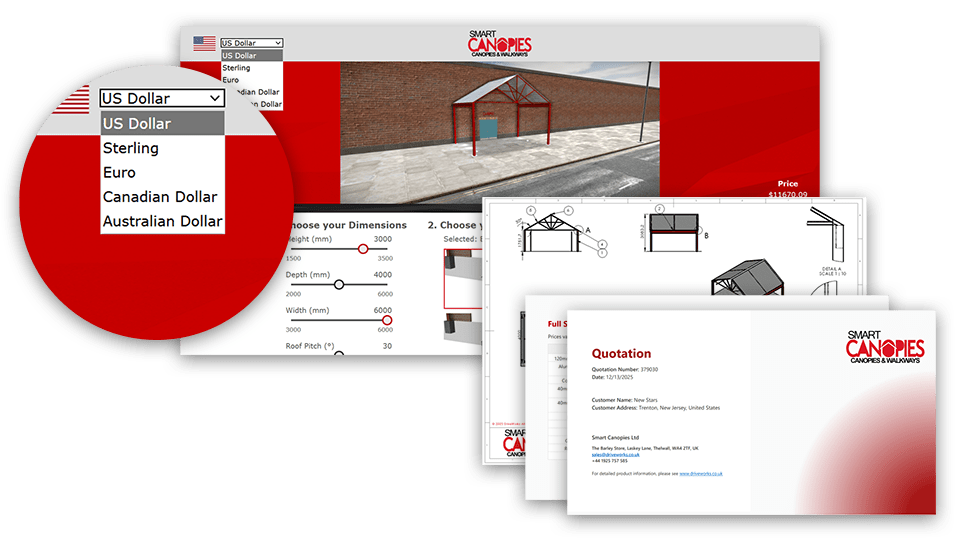
The canopy demo automatically creates sales quotes and SOLIDWORKS® manufacturing data. HTML emails are sent to customers automatically with order-specific attachments.
- Pricing information calculated in different currencies as the canopy is configured.
- Sales documents created using Microsoft Word are updated automatically. Product specifications are added in a single action using the ability to drive an array into a bookmark in a table.
- Dimensions, features and custom properties in SOLIDWORKS parts, assemblies, and drawings are updated automatically.
- Reference files are used to attach PDF and eDrawing files of generated drawings to HTML emails.
Next steps
Learn how DriveWorks can help you achieve your goals.
Industry spotlight
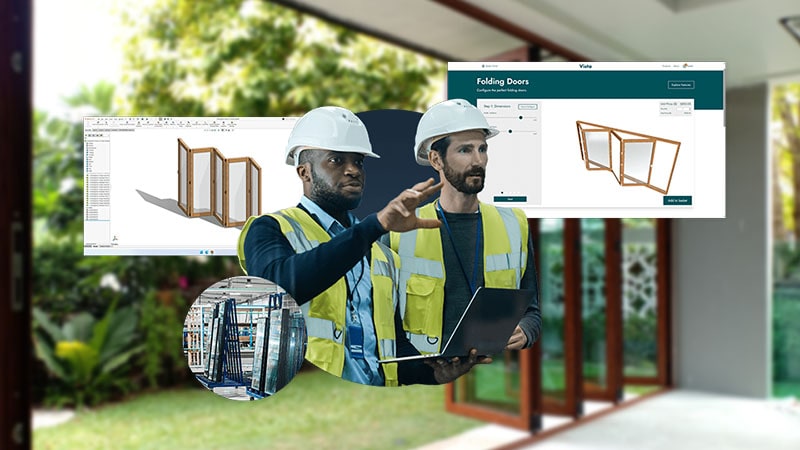
Architectural components
Architectural component manufacturers are using DriveWorks design automation & sales configurator software to improve manufacturing and sales processes and be more efficient.
Customer story
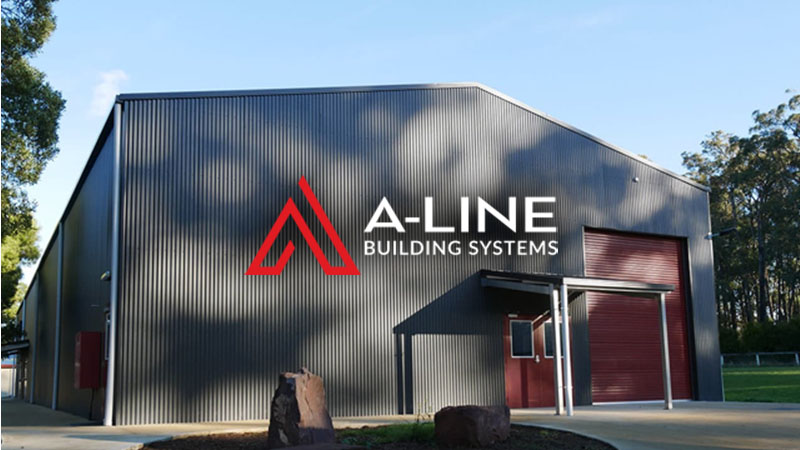
A-LINE Building Systems
A-LINE Building Systems are a market leading manufacturer of steel buildings, sheds, barns, carports and farm out-buildings.
Using DriveWorks enabled A-LINE to create up to 200 designs per day, which gave them a huge competitive advantage in the marketplace.
Article
3D visualization for complex configurable products
Explore what 3D visualization is and how it can be used to support salespeople, improve customer experience, and streamline processes in companies selling complex configurable products.
Request a demo with a technical specialist
Request a demo and a member of the DriveWorks team will be in touch.