
Cupboard demo


Demo insights
Learn more about how this demo was set up and the DriveWorks technology it uses.
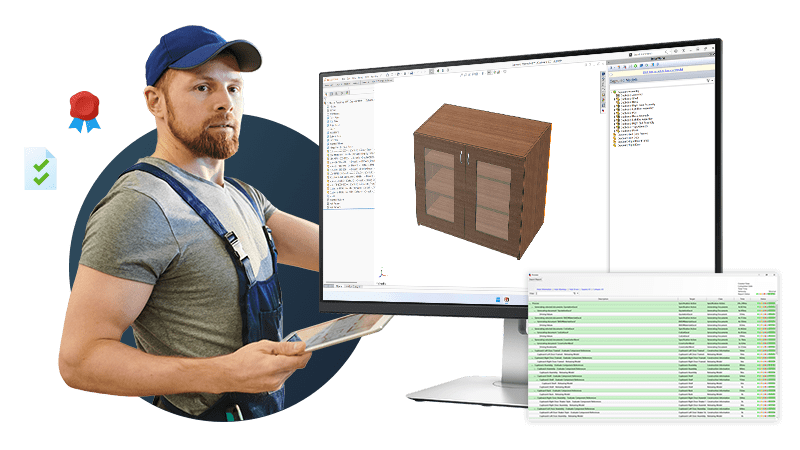
SOLIDWORKS® automation, BOMs, and cut lists
The cupboard demo shows how DriveWorks can automatically generate SOLIDWORKS drawings and related manufacturing documentation, including BOMs and cut lists frequently used in the furniture industry.
- A detailed BOM including all fixings is automatically created.
- Drawings are automatically created and exported as DXFs ready for use with CNC machining.
- Custom properties for material information are updated in all parts and drawings automatically.
Connect sales and manufacturing for streamlined selling
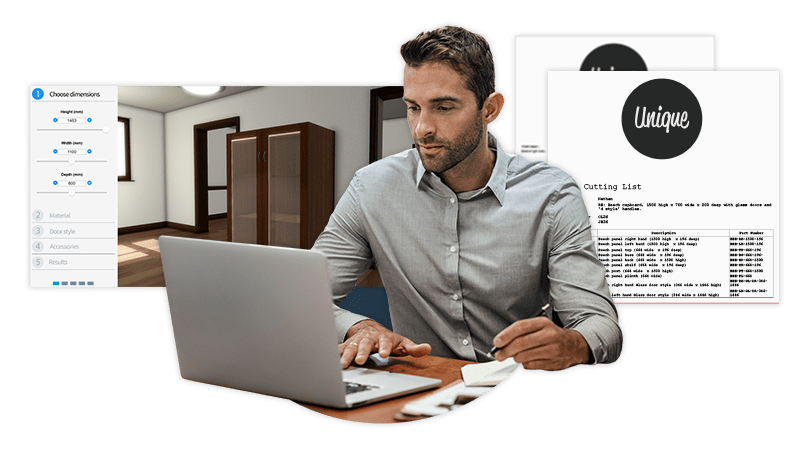
Input form validation and rule-based configuration ensures that only valid configurations can be submitted.
- Real-time pricing calculations update as the cupboard is configured. Currency options automatically update the price using currency multiplier rules and fulfilment costs.
- Images on forms ensure users can confidently select options and configure products quickly.
- Cover letter, quote, BOM, and cut list documents are updated in real-time as the cupboard is configured.
- Interactive 3D configuration uses appearances, scenes, lighting, and effects to accurately show the configured cupboard.
- The DriveWorks 3D preview extrude entity is used to create geometry for the panels of the cupboard, removing the need to load new geometry and maximizing performance.
Next steps
Learn how DriveWorks can help you achieve your goals.
Industry spotlight
Furniture
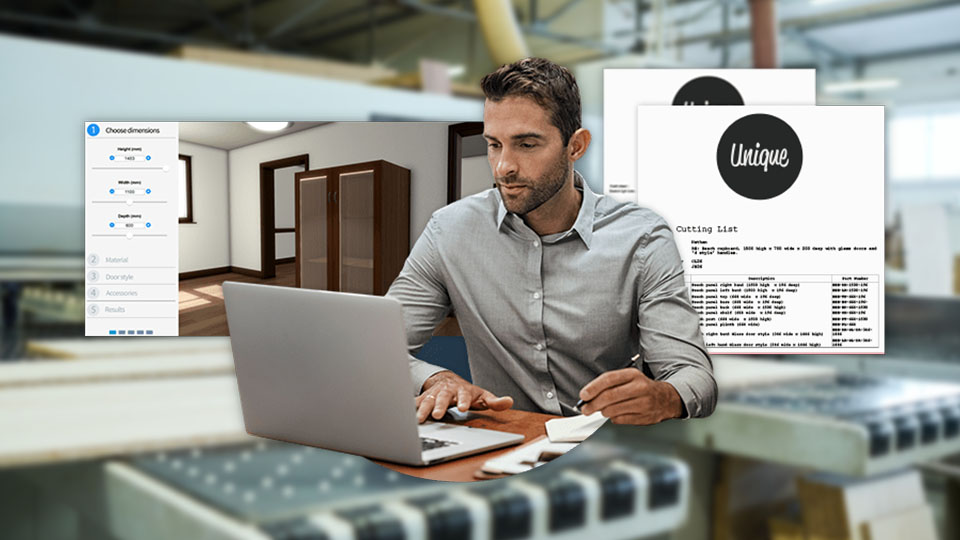
Furniture manufacturers are using DriveWorks design automation and sales configurator software to improve manufacturing and sales processes and be more efficient.
Customer story
Dolphin Solutions
DriveWorks has transformed the sales process, enabling sales teams at Dolphin Solutions to guide customers through product options and submit orders straight to the design team.
Article
How to build a product configurator: choosing technology
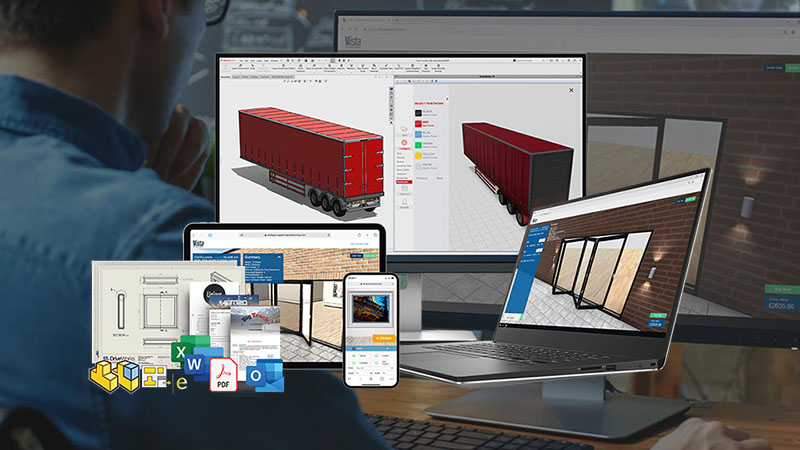
In this article, we look at the key technologies needed to build a product configurator and the different implementation methods available.
Request a demo with a technical specialist
Request a demo and a member of the DriveWorks team will be in touch.