
Truck bodies demo


Demo insights
Learn more about how this demo was set up and the DriveWorks technology it uses.
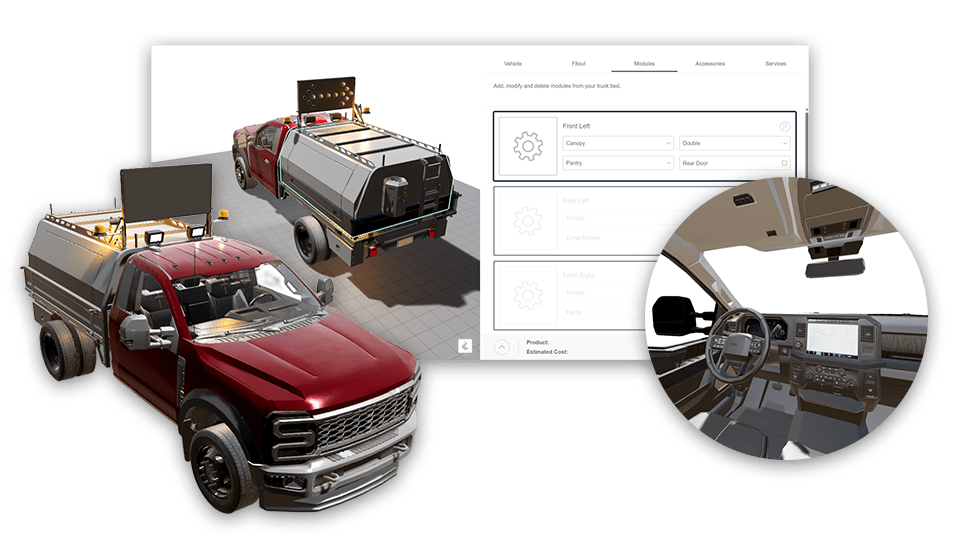
Visualize and configure products in 3D
The utility vehicle configurator uses DriveWorks 3D preview technology to show high-fidelity visualizations of the different fit-out options. Design details are communicated clearly, helping users configure complex truck body layouts easily.
- DriveWorks 3D Preview technology updates in real-time as options are selected to accurately show complex configurations.
- Textures, lighting, effects, and animations provide a realistic view, helping users visualize configured products.
- Forget slow 3D viewer app downloads. DriveWorks 3D Preview technology is optimized to run in a browser on any device.
Accurately configure products with guided selling
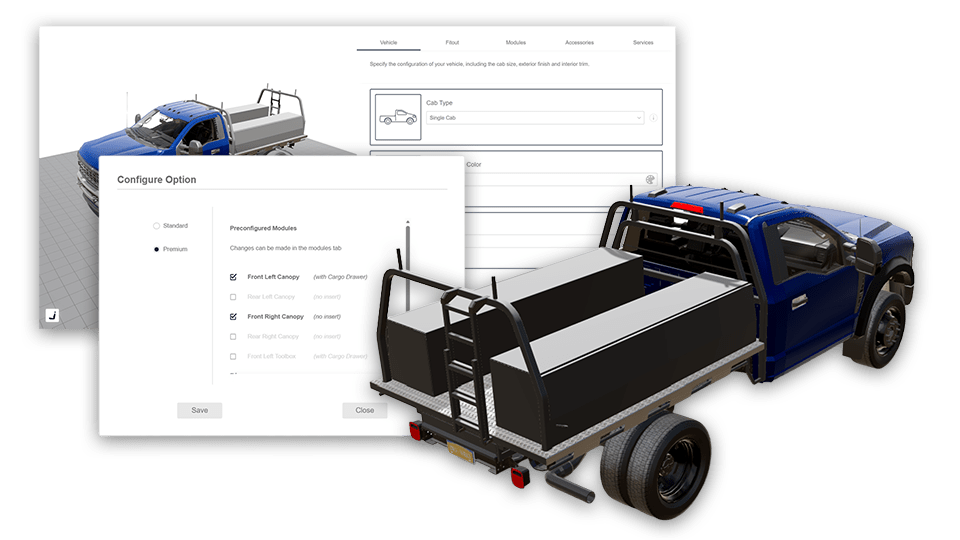
Guided selling enables users to quickly configure vehicle fit-outs whilst ensuring final configurations meet technical and manufacturing requirements.
- Users get a detailed breakdown of options and costs that updates in real-time as options are configured.
- Sales and engineering knowledge is captured using DriveWorks Rules, enabling BOM and quote documents to be created instantly, without the need for manual input.
- Contextual guidance ensures users have all the information they need to configure products, regardless of their experience or technical knowledge.
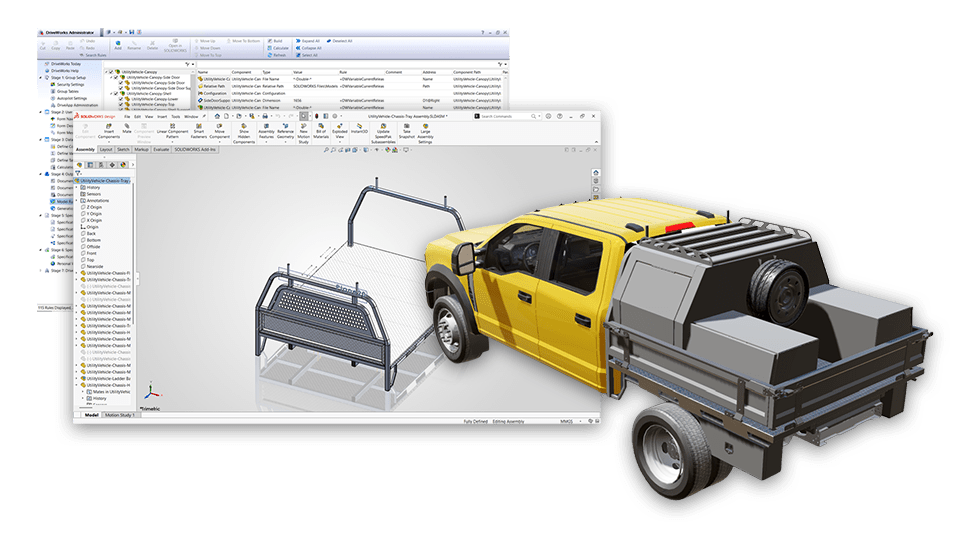
Automatically create SOLIDWORKS® parts, assemblies and drawings
The knowledge and experience designers use to create SOLIDWORKS files for manufacturing is captured using rules and used to automatically create outputs using DriveWorks design automation for SOLIDWORKS.
- Generation tasks provide granular control over the way parts are replaced and positioned in the new SOLIDWORKS assemblies.
- Sheet metal dimensions and features are automatically updated.
- File name rules ensure all generated files include unique order details, including revisions for each custom order.
Next steps
Learn how DriveWorks can help you achieve your goals.
Industry spotlight
Transportation
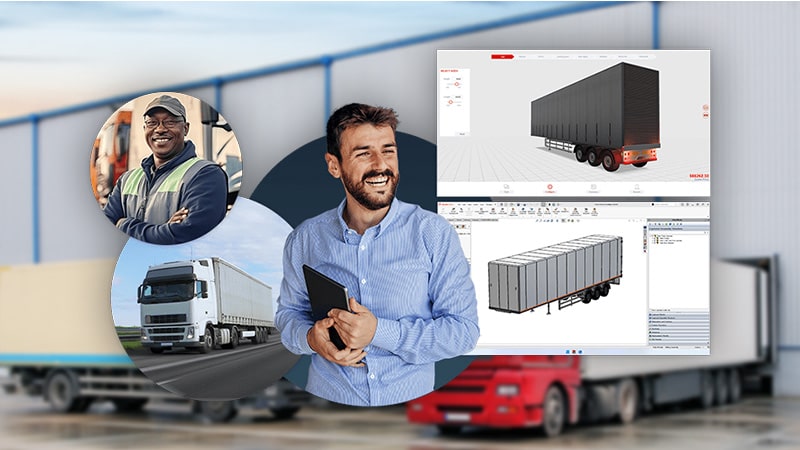
Learn how DriveWorks software is helping manufacturers serving the transportation industry be more efficient by improving manufacturing and sales processes.

Customer story
Waimea
Waimea, based in New Zealand, manufacture specialist utility vehicles. Their vehicles are used across a range of industries, including power & energy, forestry, and road & traffic.
Waimea’s DriveWorks CPQ implementation enables their sales team to configure custom-built vehicles with ease and provide accurate quotes.
Article
Digital transformation for manufacturers
Digital tools are transforming the way manufacturers operate. In this article, we look at ways manufacturing companies selling configurable products can use digital tools and the benefits they offer.
Request a demo with a technical specialist
Request a demo and a member of the DriveWorks team will be in touch.