
Agricultural trailer demo


Demo insights
Explore how this demo was set up and the DriveWorks technology it uses.
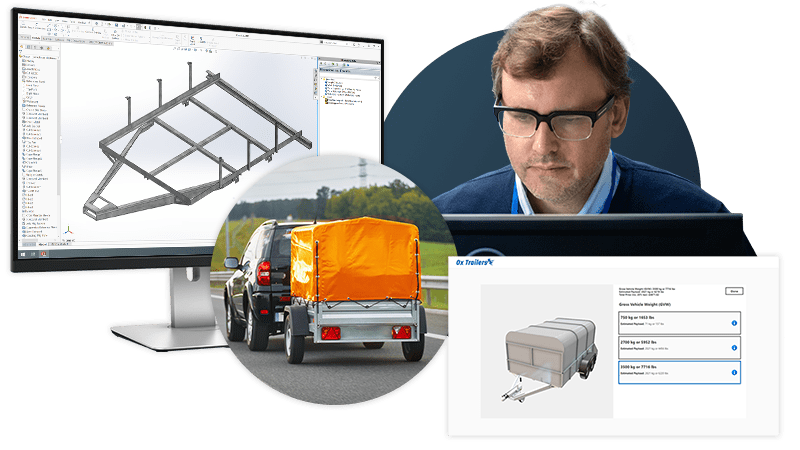
Guided selling and product visualization
The agricultural trailer demo uses guided selling and contextual product information to ensure configured products meet customer needs.
- Product options are enabled and disabled so users can only configure valid solutions that meet user requirements and product constraints.
- Feedback ensures users understand how the availability of other options will change as they configure.
- DriveWorks 3D preview technology is implemented with fixed camera positions to accurately show the configured product, without the need for an extensive library of rendered images.
SOLIDWORKS® design automation
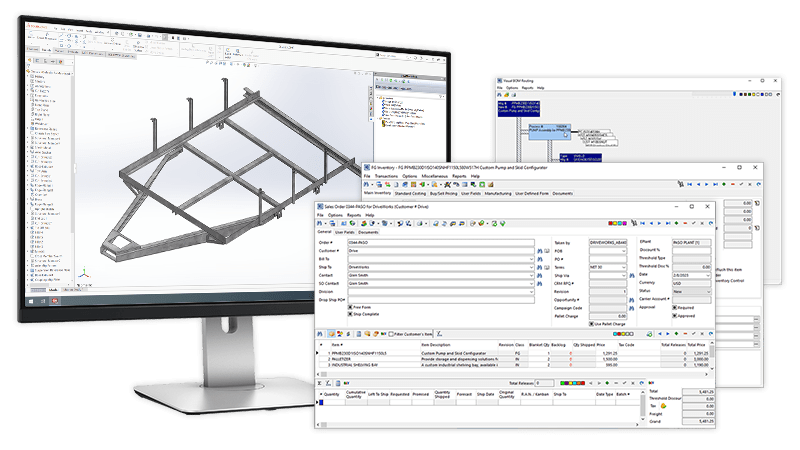
Behind the scenes, all of the SOLIDWORKS data required by manufacturing is automatically generated using DriveWorks Autopilot.
- DriveWorks rules capture and reuse engineering knowledge, ensuring configured products always meet customer requirements, regulations, and manufacturing capabilities.
- The weldment chassis of the agricultural trailer is updated to meet size and loading requirements. Weldment members are suppressed and unsuppressed.
- Drawing views are automatically scaled as the trailer size changes, and annotation text and custom properties are updated.
Pricing and sales documents
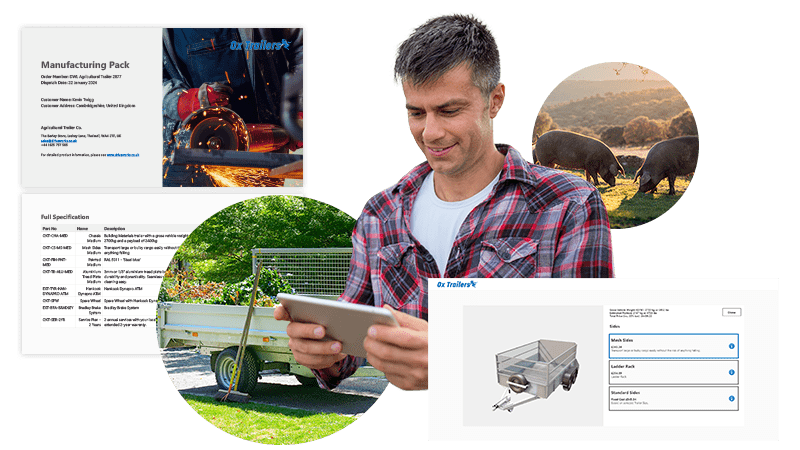
Pricing is automatically calculated as product options are selected.
- DriveWorks rules technology automatically calculates pricing and discounts in real-time as the trailer is configured.
- Sales documents update in the background as products are configured and are available immediately.
- Quotes, product guides, and manufacturing documents created using Microsoft Word are automatically updated to meet the exact specifications of the configured trailer.
Next steps
Learn how DriveWorks can help you achieve your goals.
Industry spotlight
Transportation
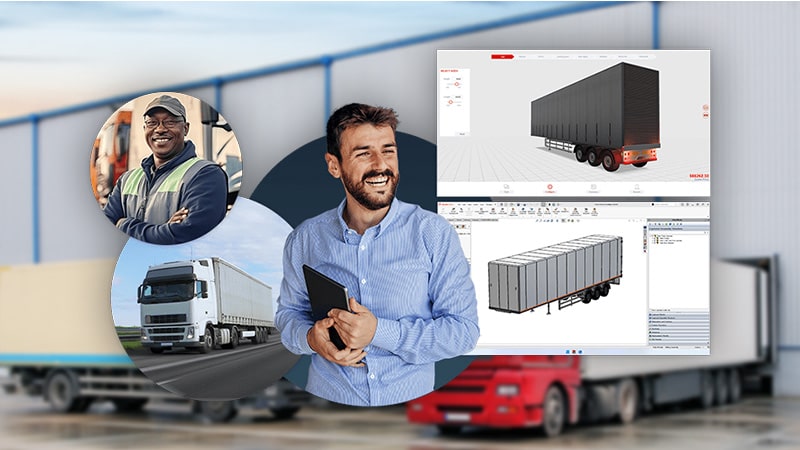
Learn how DriveWorks software is helping manufacturers serving the transportation industry be more efficient by improving manufacturing and sales processes.
Customer story
WEATHER GUARD
“We’ve dramatically reduced our engineering time, saving at least one full day of labour per configurator request received. DriveWorks is not just an engineering automation tool, but a sales-driving and revenue generation system for our company.”
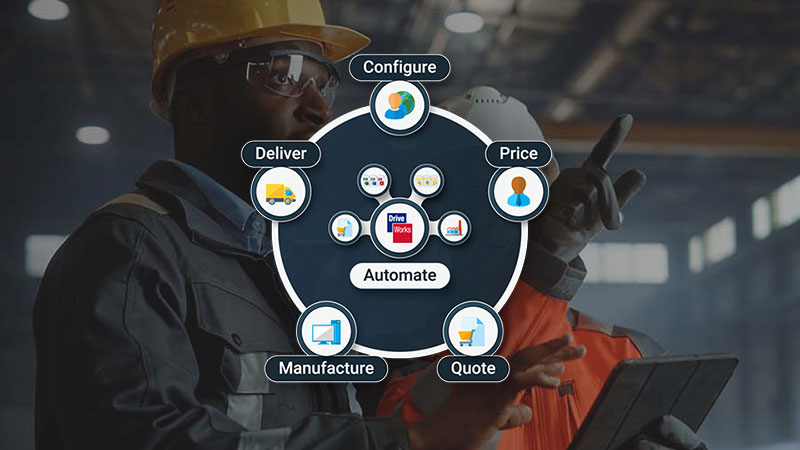
Article
What is CPQ for manufacturing?
Configure, price, quote (CPQ) for manufacturing software provides manufacturers with the tools to accurately and efficiently sell and manufacture custom products.
Request a demo with a technical specialist
Request a demo and a member of the DriveWorks team will be in touch.