
Folding door demo


Demo insights
Learn more about how this demo was set up and the DriveWorks technology it uses.
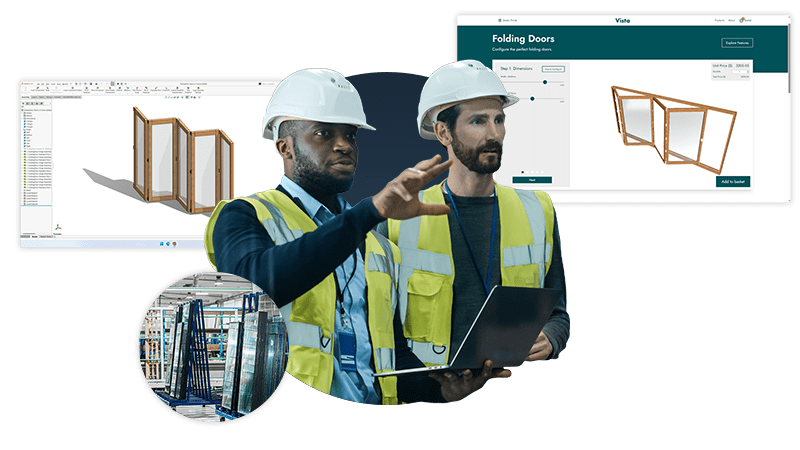
Guided selling and interactive 3D configuration
The folding door demo guides users through configuration and uses interactive 3D with moving doors to help users visualize the product.
- Product information dialogs help users understand product options and configure confidently.
- Responsive forms update to display correctly on different-sized devices.
- Interactive 3D previews use the Rotate Entity enabling the doors to move using the middle mouse button or two-point touch gestures.
- The configured door is placed in an environment that uses appearances and visual effects to add realism, helping users accurately visualize the product.
Sales documents and emails
Sales documents and emails are processed and sent automatically using DriveWorks Autopilot.
- Order confirmation documents created using Microsoft Word are automatically updated and exported in PDF format. Product details are added to the Word document in a single action using the ability to automatically update a table using an array of data.
- Top-level assembly drawings are exported as PDFs and attached to HTML emails.
- HTML emails are updated with order-specific information and sent once attachments are ready.


Shop floor ready drawings and manufacturing data
DriveWorks design automation for SOLIDWORKS® automatically creates documents and data for manufacturing.
- New SOLIDWORKS parts, assemblies, and drawings are automatically created using the dimensions specified by the user.
- Rescale and position generation tasks are used to ensure generated drawings are shop floor ready.
- Drawing annotation text is automatically updated based on rules.
- Capture specific instances in your SOLIDWORKS assemblies and build rules to delete, replace, change the suppression state or change the active configuration.
- Custom properties are automatically updated in parts, assemblies, and drawings.
Next steps
Learn how DriveWorks can help you achieve your goals.
Industry spotlight
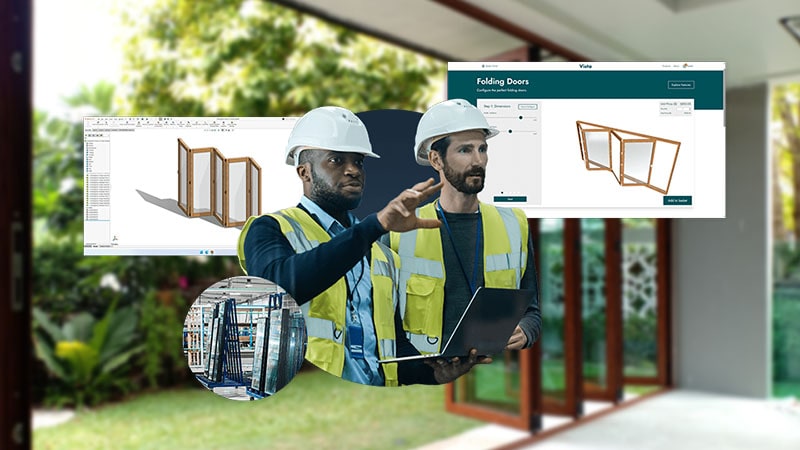
Architectural components
Architectural component manufacturers are using DriveWorks design automation & sales configurator software to improve manufacturing and sales processes and be more efficient.
Customer story
JELD-WEN
DriveWorks is helping JELD-WEN to save the time spent on the daily registration of orders.
Previously, it could take up to 3 days for JELD-WEN to make the drawings available for the customer.
Now, drawings are received by a salesperson in as little as 5-10 minutes. The drawing is forwarded directly to clients for final review before manufacturing.
Article
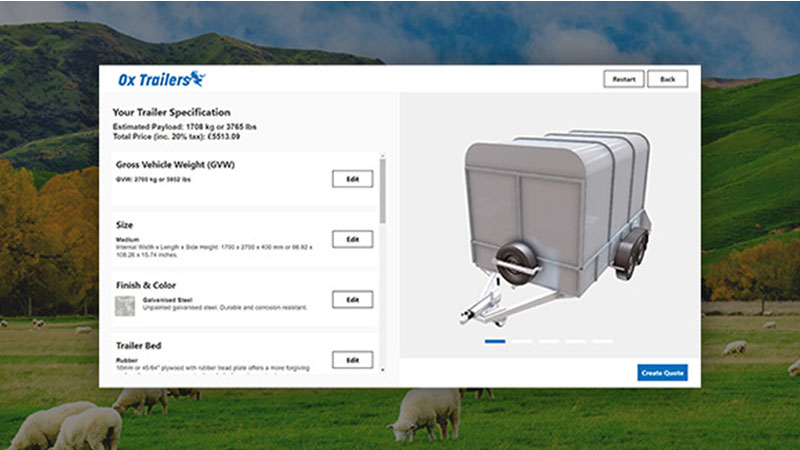
How to build a product configurator: planning, design & UX
Get started with project planning, designing your product configurator, and the user experience (UX).
Request a demo with a technical specialist
Request a demo and a member of the DriveWorks team will be in touch.