
Industrial shelving demo


Demo insights
Learn more about how this demo was set up and the DriveWorks technology it uses.
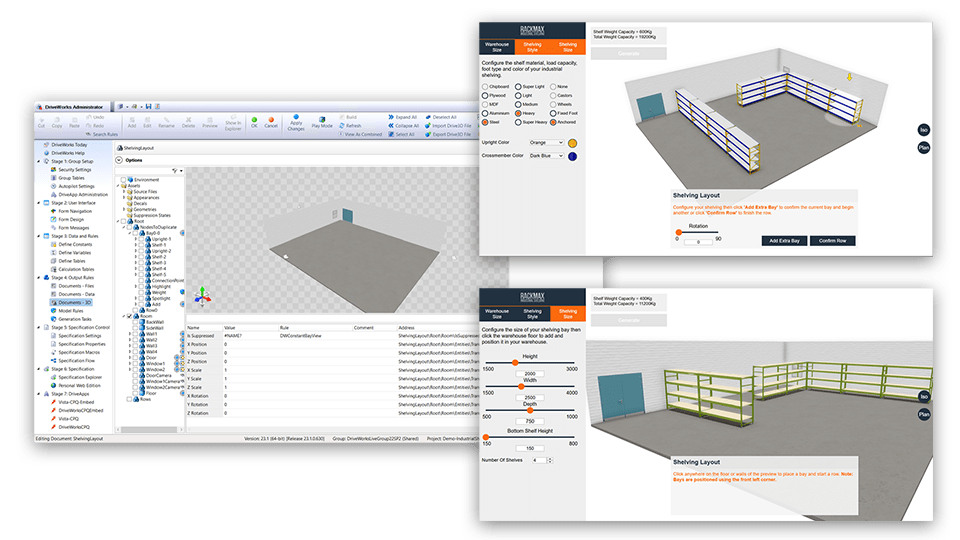
Interactive layout in 3D
The shelving demo enables you to lay out products inside a defined space.
- The 3D layout enables users to choose where products are placed within a 3D space.
- Visualize placement helps users to build accurate configurations.
- Constraint-based configuration limits options based on previous selections.
- Textures, appearances, and materials add realism to the configuration.
- Lighting effects highlight shelving bay that is being edited.
Assemble to Order (ATO)
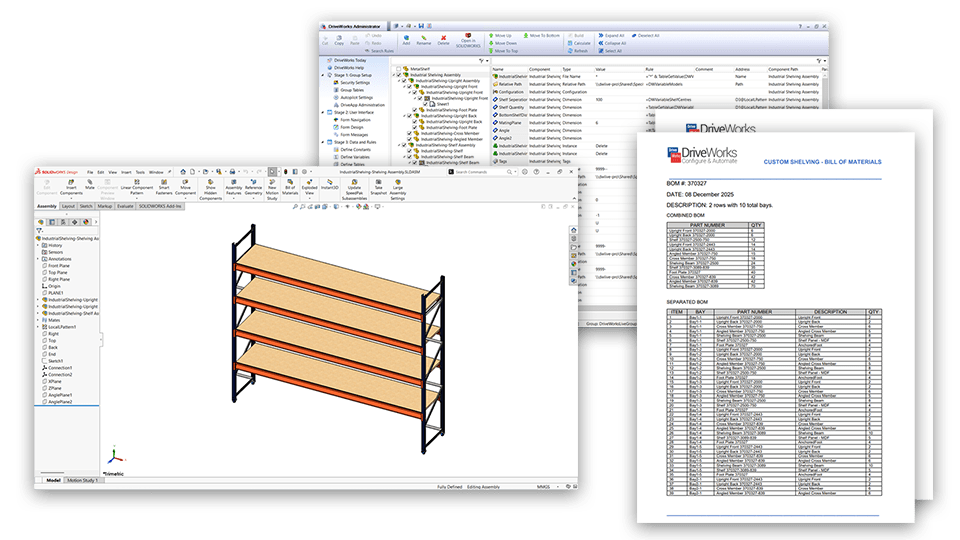
The shelving unit demo demonstrates how companies with ATO products can use DriveWorks to automatically calculate BOMs, picking lists, and sales documents, and to automate business processes.
- As layouts are configured, BOMs are automatically calculated and updated.
- Quote and cover letter documents are automatically created, enabling faster quote response time and improved sales closure rates.
- Guided selling rules ensure users can only select valid product combinations. Form feedback gives users the information they need to select options that meet their requirements.
Next steps
Learn how DriveWorks can help you achieve your goals.
Industry spotlight
Materials handling
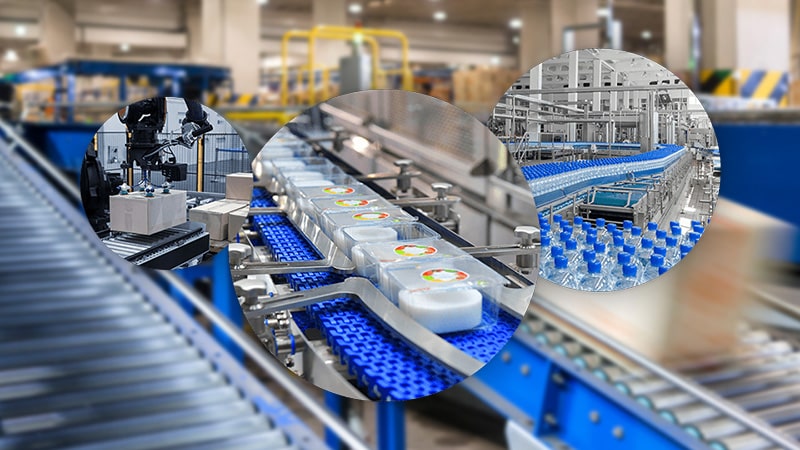
Materials handling manufacturers are using DriveWorks design automation & CPQ sales configurator software to improve manufacturing and sales processes and be more efficient.
Customer story
PMF-System
PMF-System have enhanced customer experience and reduced repetitive sales processes using a 3D product configurator built using DriveWorks software.
Article
What is design automation?
Learn how design automation tools enable you to capture and reuse design, manufacturing, and cost estimation knowledge to deliver custom products faster and with greater accuracy.
Request a demo with a technical specialist
Request a demo and a member of the DriveWorks team will be in touch.