
Steel door demo


Demo insights
Learn more about how this demo was set up and the DriveWorks technology it uses.
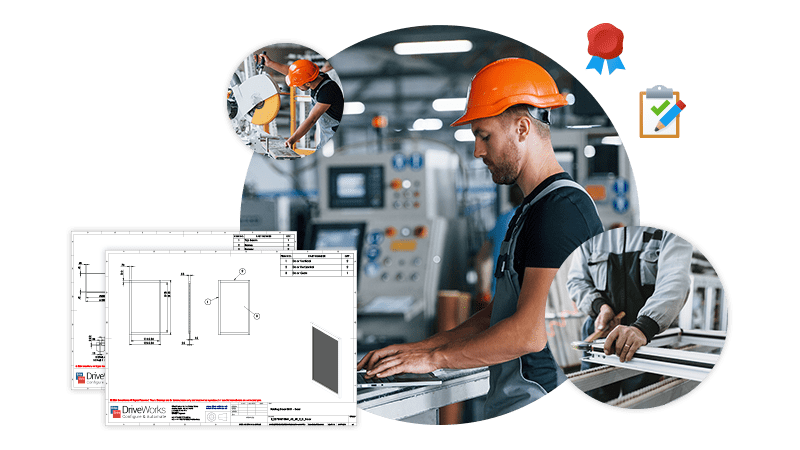
SOLIDWORKS® sheet metal automation
The steel door demo shows advanced SOLIDWORKS sheet metal automation and the output of shop floor ready drawings.
- SOLIDWORKS parts and assemblies are updated by driving dimensions and features, and using model generation tasks including create coincident mate, create distance mate, force rebuild, show named view, and zoom to fit.
- Shop floor-ready drawings are automatically created by activating, scaling, and positioning views, adding auto balloons and positioning annotations.
- Flat patterns are created, and DXFs are exported automatically.
Communicating design details
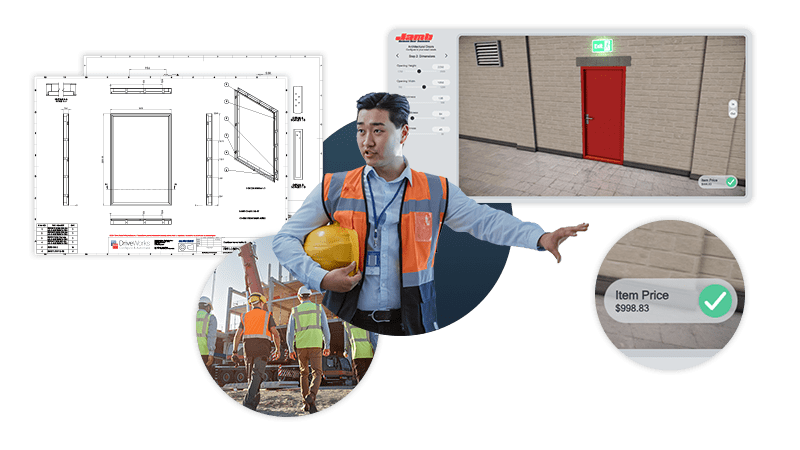
DriveWorks 3D preview technology is used to communicate design details and help users accurately configure suitable solutions.
- 3D updates as you configure using scaling of geometry for performance.
- Performance and flexibility are enhanced by using the DriveWorks 3D Extrusion Entity, instead of static geometry. The window size and position can be updated and results shown instantly, without needing to load additional geometry. Lighting and emissive appearances make the fire exit glow.
- Environment geometry, appearances, lighting, and effects add realism making it easy to visualize door and understand design details.
- Interactivity allows the doors to be opened using right-click, middle mouse, and two-point touch gesture controls.
Next steps
Learn how DriveWorks can help you achieve your goals.
Industry spotlight
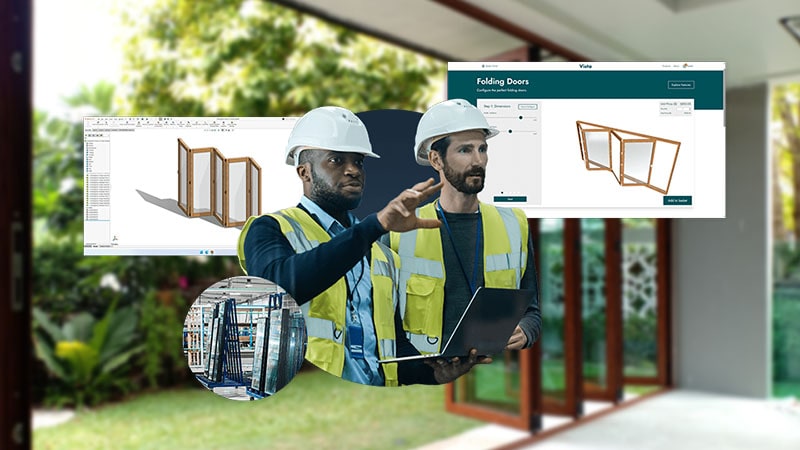
Architectural components
Architectural component manufacturers are using DriveWorks design automation & sales configurator software to improve manufacturing and sales processes and be more efficient.
Customer story
Eurobond Doors
Eurobond Doors, headquartered in the UK, manufacture custom industrial and commercial steel doors.
Using DriveWorks has enabled Eurobond Doors to improve efficiency and reduce costly data entry errors
Article
What is design automation?
Learn how design automation tools enable you to capture and reuse design, manufacturing, and cost estimation knowledge to deliver custom products faster and with greater accuracy.
Request a demo with a technical specialist
Request a demo and a member of the DriveWorks team will be in touch.